Before you start
Check your exact vehicle, trim, and head unit before paying for an upgrade. Support can vary even within a model year.
Step by step
Start with the phone you use
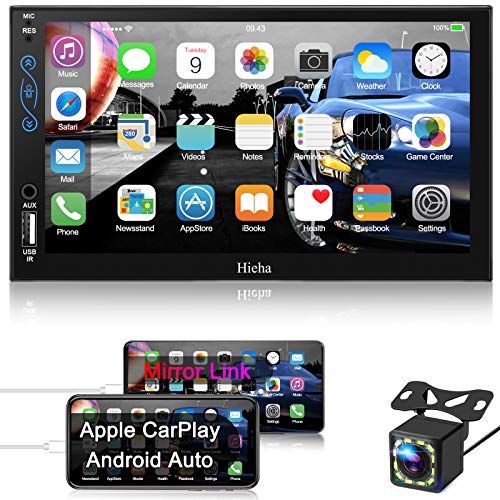
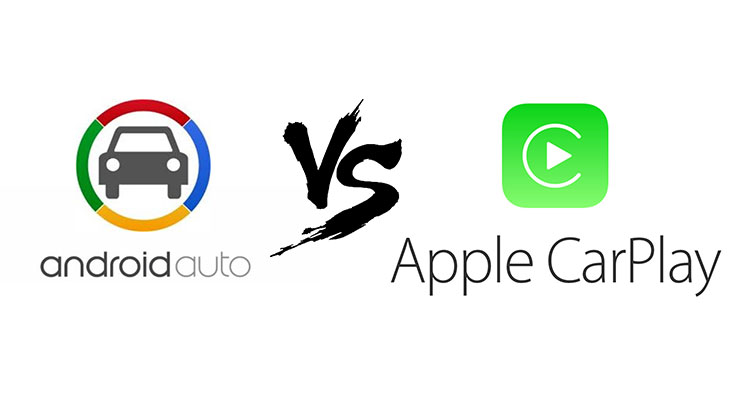
CarPlay connects to an iPhone. Android Auto connects to a compatible Android phone. Both can surface supported maps, audio, calls, and messages.
Check the connection
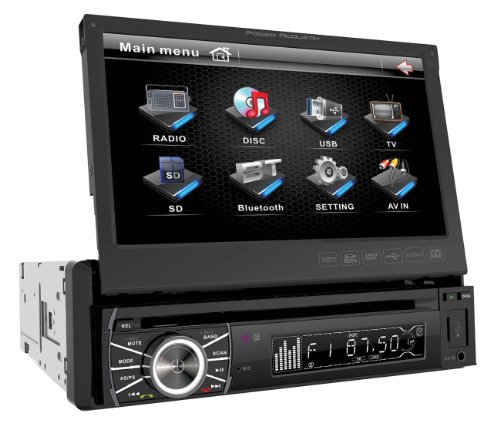
Verify whether your vehicle or replacement unit supports wired and wireless connections, then confirm the required ports or adapters.
Compare the installed price
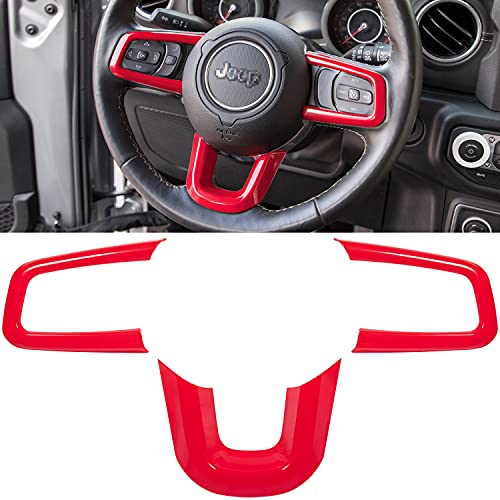
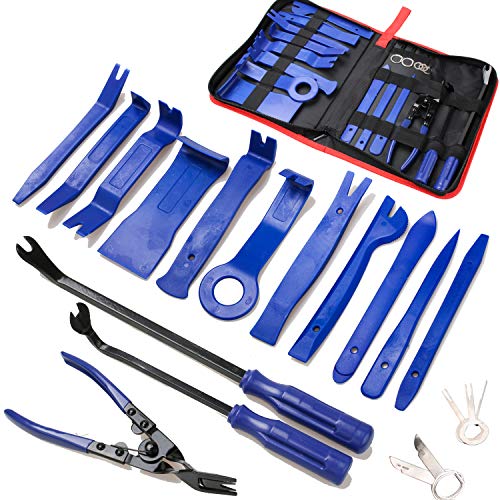
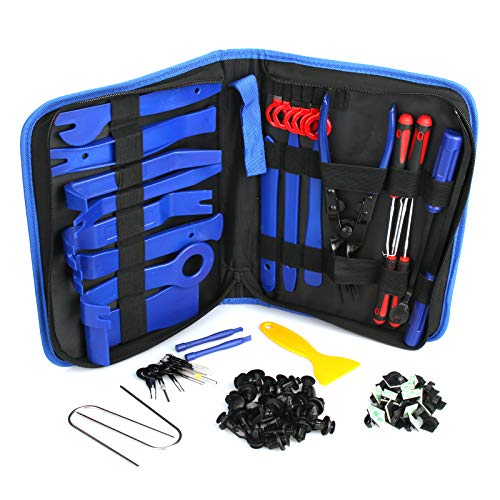
Include the head unit, dash kit, harness, and any adapters needed to keep steering-wheel controls or a backup camera.